
Guide
Cutting cable costs by streaming over Aspire Fiber
With fiber, you have the bandwidth to stream everything, on every TV, at once. The hard part isn't the connection. It's choosing what to pay for. Here's how to cut the cable bill and land on the right set of services.
You can cut the cord and keep live TV
Streaming isn't just movies and box sets any more. Live TV services carry the news, sports and the major networks, so you can drop the cable box without losing what you actually watch. YouTube TV brings 100+ channels with unlimited DVR, Hulu + Live TV bundles in Disney+ and ESPN+, and Sling and Fubo are built around sports. Households that switch commonly save hundreds of dollars a year over cable.
Pay only for what you'll watch, with MyBundle
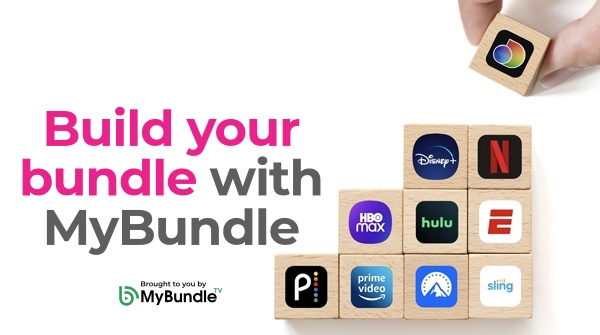
The trap with streaming is paying for a stack of services you barely open. Aspire Fiber partners with MyBundle, a free tool that asks about your household and what you like to watch, then recommends a package of streaming apps that fits, so you are not guessing. From there you can search across all your apps in one place, build watchlists, and keep an eye on what you're spending each month.
Build your bundle with MyBundle →
Do you need a streaming device?
If your TV is a smart TV, you can stream without anything extra. A streaming stick or box, like a Roku, Fire TV, Apple TV or Google TV, is optional, but it adds more apps, faster menus, and the same experience on every TV in the house. If your smart TV feels slow or is missing an app you want, an inexpensive device is usually the easiest fix.
Line up your streaming
Tell MyBundle what you watch and it builds the package for you, on the fiber that can carry all of it.
Explore MyBundle